The most reliable way to collect photos from your wedding guests in 2026 is a QR code on the table that opens a browser upload page. It beats a hashtag, a shared album, and an app-based tool for one reason: it is the only method where the guest's entire job is to point their camera at a card. Every step you add between the phone and the upload costs you photos.
Below is the honest ranking of the five options, what each one actually returns, and where to physically put the cards so people use them.
Our bias, stated up front
We sell one of these. Our Guest Media Collection is $249 flat and it is the QR option. So read the ranking knowing we make money if you pick number five.
We are still going to tell you when the free options are enough, because a couple who buys this and gets nothing back is worse for us than a couple who never bought it.
Why the wedding hashtag stopped working
The hashtag was a good idea in 2015 and it is close to useless now, and the reason is not that people stopped taking photos.
A hashtag only ever collected the subset of photos a guest chose to post publicly, on one platform, with the tag typed correctly, and left up long enough for you to find it. Every one of those conditions has weakened. Guests post to stories that vanish in a day. They post to close-friends lists you are not on. Their accounts are private. Many of the people at your wedding, particularly anyone over fifty and a growing number under twenty-five, are not posting to a public feed at all any more.
What you are left with is a small, self-selecting slice of the day, at whatever resolution the platform compressed it to, that you have to go and manually screenshot. Nobody should build a memory plan on that.
The five options, ranked by what actually comes back
5. The wedding hashtag
What it returns: very little, and only from the guests who were going to post publicly anyway.
Cost: free.
Keep it if: you want it for the fun of it. It is a nice cultural artifact and it costs nothing. Just do not let it be the plan.
4. "Text me your photos" or a shared album link
What it returns: more than a hashtag, and less than you expect.
The failure here is not technical, it is timing. You are asking people to do a small chore later, when the wedding is over and they are tired and back at work. The ones who love you will do it. The ones who took the single best photo of your grandmother laughing may not, because they do not know they have it.
Shared albums also punish the sender. Uploading forty photos over hotel wifi drains a phone and eats data, and iOS and Android handle shared albums differently enough that someone will be confused. Every point of confusion is a photo you do not get.
Cost: free.
Use it if: your wedding is small enough that you will personally chase every guest. Under about thirty people, chasing works.
3. Disposable cameras on the tables
What it returns: a handful of genuinely charming frames and a lot of dark, blurred ones.
We wrote a whole post on this after looking at what actually comes back from them, because the gap between the Pinterest version and the developed scans is enormous: disposable cameras at weddings, and what actually comes back.
The short version: the keeper rate is low, mostly because a fixed-focus flash camera in a dim reception is being asked to do something it cannot do. But the keepers have a texture nothing else produces.
Cost: roughly $12 to $20 per camera plus development.
Use it if: you want the aesthetic and you are treating it as a bonus, not a collection method.
2. An app-based guest photo tool
What it returns: excellent photos from the guests who install it.
These products are genuinely good. Curated feeds, live slideshows, filters, moderation. If the features matter to you, they are worth looking at, and we will happily lose the sale to one.
The cost is the install. You are asking a guest, mid-wedding, holding a drink, to go to an app store, download something, and often create an account, before they can send you one photo. Some will. Plenty will say "later" and mean it and never do it.
That is the whole trade. Better software, fewer contributors.
Cost: commonly tiered by guest count or storage.
Use it if: you specifically want the app-only features and your crowd is young and tech-comfortable.
1. A QR code that opens a browser upload page
What it returns: the most, because it asks the least.
The guest opens the camera app that is already on their phone, points it at a card, taps the banner, and uploads. No store, no account, no password, no app that they will delete next week. It works the same on an iPhone and on an Android and on a borrowed phone.
This is what our Guest Media Collection is. One flat $249, no per-guest fee, and it includes the three things that are usually upsells elsewhere: original-resolution downloads, a gallery that stays live after the wedding, and a single .zip archive of everything sent after the wedding so you own a permanent copy rather than renting access to one.
You also get a library of pre-designed QR cards, place cards, table cards, program inserts and bar signage, that you pick from and print yourself. That matters more than it sounds, because the version of this that fails is the one where you meant to design a card and ran out of time in the last fortnight.
Cost: $249 flat with us. Comparable tools vary.
Use it if: you want the maximum number of your guests to actually contribute.
The only number that matters is participation
Every one of these tools will show you a feature list. Ignore it and ask one question: what fraction of the room will actually use this?
Run the arithmetic on your own guest list. A hundred and fifty guests where a third participate and each sends five photos is two hundred and fifty photos. The same room where two thirds participate is five hundred. The difference between those two outcomes is not the software. It is how many steps stand between a phone and an upload.
This is why we chose the no-app path even though app-based products can do more. We would rather have the photos.
The thing almost nobody collects: video
Every option above is thinking about photographs. The most valuable thing your guests can give you is thirty seconds of someone talking.
At a wedding there are perhaps four or five toasts. There are also a hundred and forty people who would have said something and never got a microphone. Your grandmother. The friend who moved abroad and flew in. The cousin who is not a public speaker and would have died rather than stand up, but who would happily say something into a phone in a quiet corner.
Our gallery takes 60-second video messages recorded straight in the browser, alongside the photos, for exactly this. One of our couples put it better than our marketing ever has:
"Strangers from his family leaving voice notes for me. That is what I cried over the next morning, not the cake."
Whatever you use, find a way to collect voices and not only images. You have a photographer for images. Nobody is assigned to the voices.
Where to physically put the cards
This is the part that decides whether any of it works, and it gets about ninety seconds of thought from most couples.
- Every table, not the entrance. A single sign at the door is read by nobody. A card at eye level while people are sitting down with nothing to do gets used.
- The bar. People stand at the bar with a free hand and a phone. It is the single highest-yield spot in the room.
- The gift and card table. Everyone visits it once, early, sober.
- The ceremony program. This catches the getting-ready and pre-ceremony window, which is otherwise almost entirely uncovered.
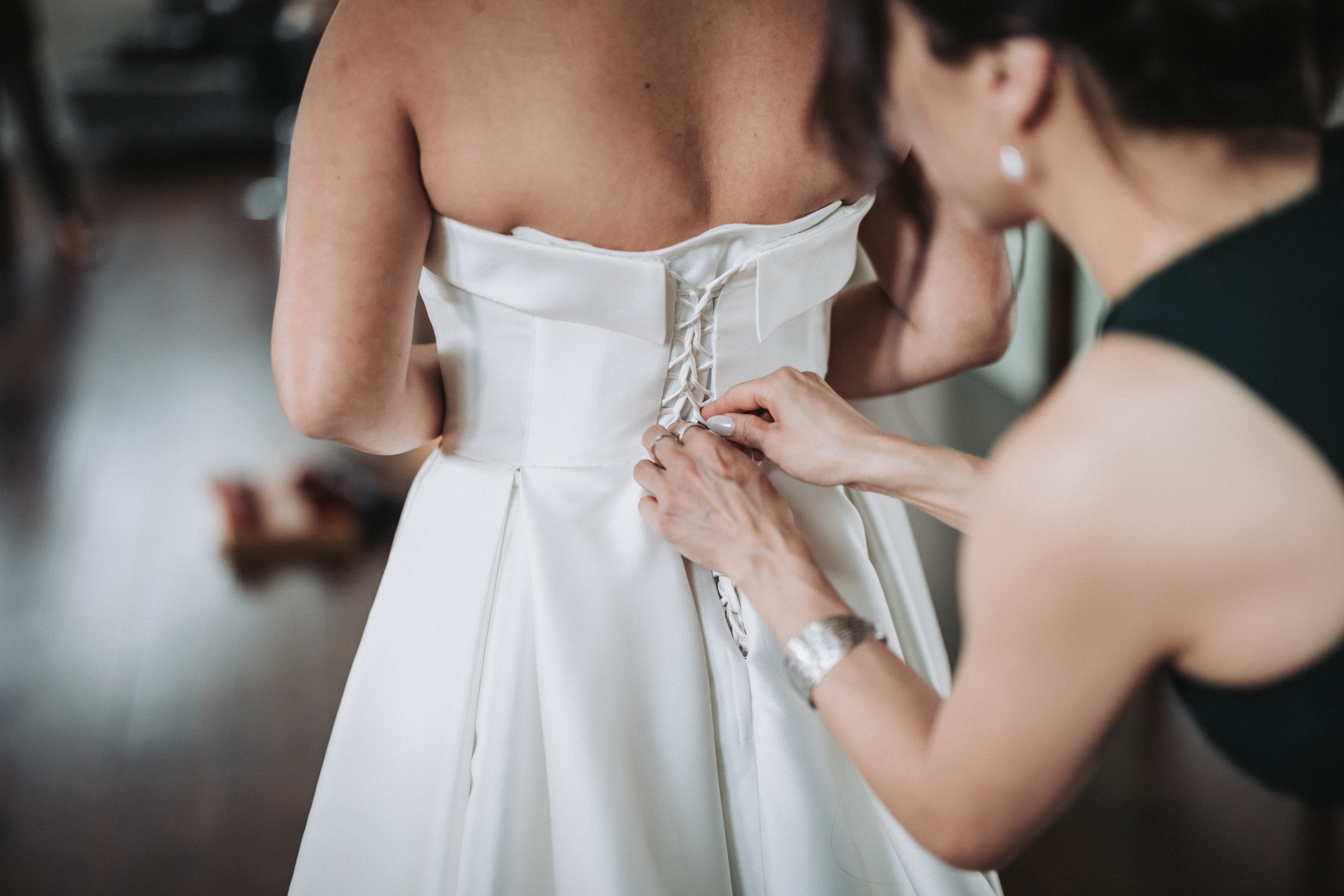
- The getting-ready rooms. Two hours of the best candid material of the whole day happens here, before your photographer has arrived or while they are with the other partner.
- Wherever the late-night food lands. The 11pm crowd is the loosest crowd, and it is the part of the night your photographer has usually gone home for.
And one line in a toast. Somebody with a microphone saying "scan the card on your table, we want to see the night through your eyes" is worth more than every sign in the room combined.
What none of this replaces
Guest photos are not a substitute for a photographer, and anyone selling them as one is lying to you.
Your guests will not get the ring shot, the light on your face during the vows, or a single clean frame of the two of you alone. They are standing in the wrong places with the wrong equipment, and they are supposed to be, because they are at a wedding rather than working one. What they get is the other thing entirely: the reaction shots from inside the crowd, the table you never made it to, the two hours after you left.
If the budget is the constraint and you are weighing guest coverage against professional coverage, book the professional and let the guest layer be the addition. If the film specifically is what you cannot afford, we have written about the middle path there as well.
Our own work is at wedding photography and cinematic wedding films, the guest gallery is here at $249, and every number we charge is on the pricing page.
Common questions
How do you collect photos from guests at a wedding?
The highest-return method is a QR code on each table that opens a browser upload page, because the guest's only action is pointing the camera app they already have at a card. The alternatives are a hashtag (collects only what people post publicly, which is now very little), a shared album or text thread (works only if you chase people afterwards), disposable cameras (charming, low keeper rate), and app-based tools (good features, but every guest has to install something first).
Do wedding hashtags still work?
Barely. A hashtag only ever collected photos a guest chose to post publicly, on one platform, tagged correctly, and left up. Guests now post to stories that disappear, to close-friends lists, or to private accounts, and many do not post publicly at all. Keep it for fun, but do not let it be your collection plan.
What is the best wedding photo app for guests?
The most useful question is not which app is best, it is whether you want an app at all. App-based tools have richer features, but every guest must download and often register before their first upload, and that step is where participation is lost. A no-app QR gallery collects from more of the room. If the app-only features genuinely matter to you, an app-based product is the right pick.
How much does a wedding guest photo gallery cost?
Ours is $249 flat with no per-guest fee, which includes original-resolution downloads, a gallery that stays live after the wedding, and a .zip archive of everything after the wedding. Other tools commonly price in tiers by guest count or storage, and often charge extra for full-resolution downloads, so compare on the total rather than the headline.
Can wedding guests send video as well as photos?
With most tools, no. Ours takes 60-second video messages recorded straight in the phone browser alongside the photos. It is the most valuable thing guests can give you, because a wedding has four or five toasts and a hundred and forty people who never got a microphone.
Should I ask guests not to use their phones during the ceremony?
For the ceremony specifically, yes, and we go through exactly which parts of the day benefit from phones down in our guide to the unplugged wedding. The two things are not in conflict: phones down for the vows, phones up for the reception, is the setup that gets you both a clean aisle and a full gallery.