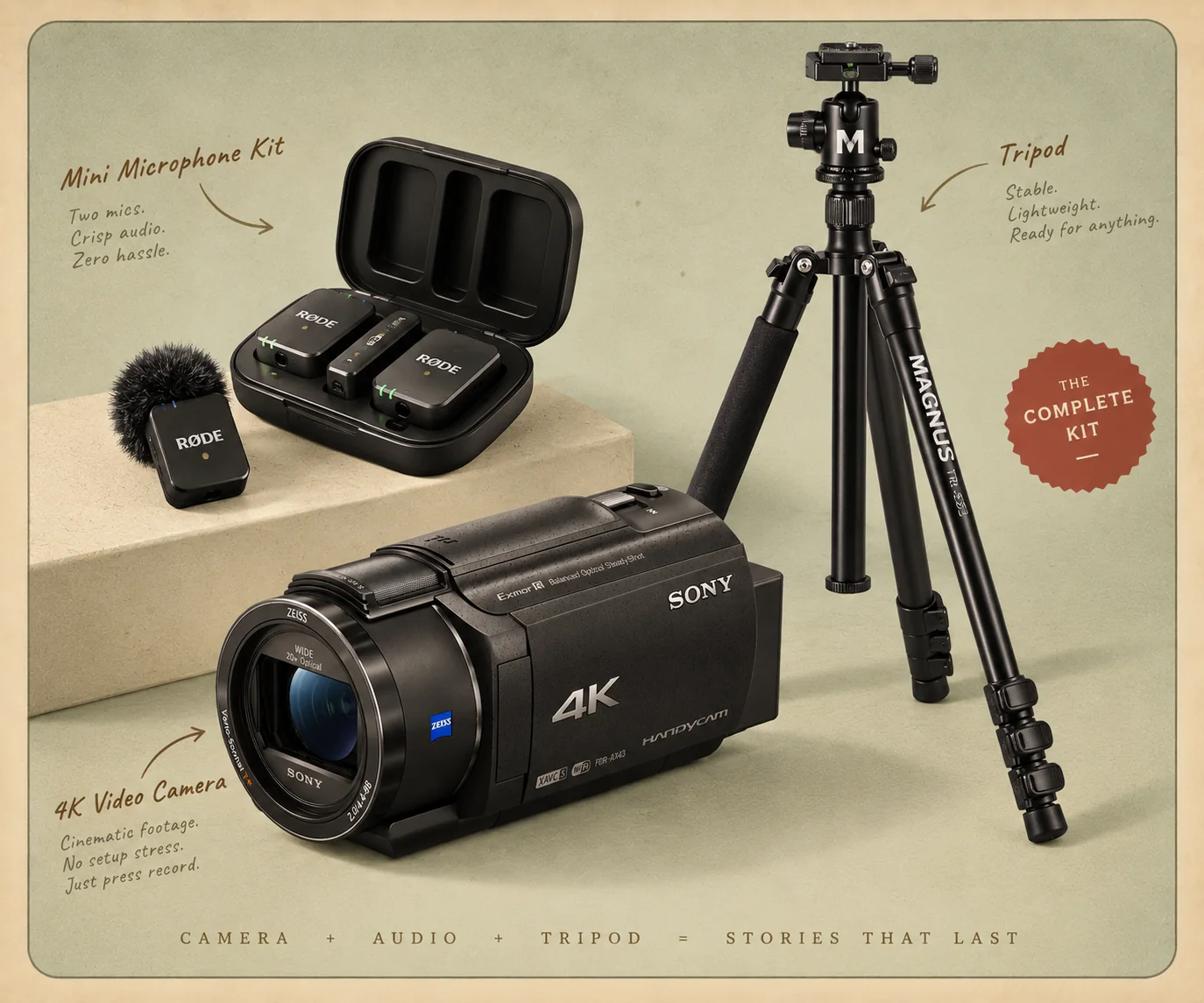
A Sony 4K Handycam needs almost no setting up for a wedding. Footage gets lost to habits, not menus: pressing record a second time, zooming in from across the room, stopping the instant the kiss ends, and standing too far from whoever is speaking. Change a few settings the night before, teach whoever is filming five habits, and carry spare batteries. Everything below about the camera comes from Sony's own guide to the FDR-AX43A, the Handycam in our Kit.
Our bias, stated up front
We rent this camera. The Kit sends a Sony UHD 4K Handycam, and our editors cut what your people film on it. So this guide is written from the edit room: it is what makes guest footage usable. The camera facts are from Sony's Help Guide for the FDR-AX43A and its sibling models, as we read it on November 3, 2026, and we use Sony's own names for its settings so you can find them in the menu. Several rental companies send Sony 4K camcorders; if yours is a different model, the names may differ slightly. Where Sony's guide does not say what a setting does by default, we do not guess.
The detail most guides miss: the record button is a toggle
Sony's guide puts it in two lines: press START/STOP to start recording, and press START/STOP again to stop. That is all it does. So the most common lost moment at a wedding is not a bad setting; it is a second press. Someone presses record, is not sure it took, and presses again to be safe. Now it is stopped. Later, when they think they are stopping it, they start it, and the camera records the walk back to the table, the floor and a pocket.
The fix takes one second. Press once, then look at the screen before you look up. Sony shows REC or STBY at the center of the screen: REC means recording, STBY means waiting. There is also a camera recording lamp on the front, which lights while it records unless its REC Lamp setting is turned off. Teach this before anything else, and teach it to everyone who will hold the camera.
The night before: six settings to check
| Setting, and its menu | What to do, and why |
|---|---|
| Digital Zoom (Camera/Mic, Camera Settings) | Off. Sony's digital zoom goes up to 250x by enlarging the picture, which softens it. Without it, Sony lists 20x, or 30x in 4K with SteadyShot on Active. |
| SteadyShot (Camera/Mic, Camera Settings) | On, for handheld filming. Sony's options are Intelligent Active, Active, Standard and Off; in 4K, Intelligent Active works as Active. |
| Low Lux (Camera/Mic, Manual Settings) | Try On in a dim room. Sony: it records "bright color images, even in dim light". Film ten seconds each way in the reception room and keep the one you like. |
| Auto Wind NR (Camera/Mic, Microphone) | On for an outdoor ceremony. It reduces wind noise on the built-in microphone. |
| Power Save (Setup, General Settings) | Know what it does. On Standard, running on battery, the camera turns itself off after about two minutes of doing nothing. A camera handed to someone at a table may be off when the toast starts. |
| Date and time (Setup, Clock Settings) | Check it is right, so every clip carries the right time and two cameras line up. |
Then one physical check: open the lens cover fully. Sony warns that if it does not fully open, the camera may record only a black screen and sound.
How long it runs: the card and the batteries
From Sony's tables for the FDR-AX43A, with the camera's default dual recording on:
| Recording | On a 256GB card |
|---|---|
| 4K at 100Mbps | About 5 hours |
| 4K at 60Mbps | About 8 hours 10 minutes |
| HD at 30p | About 9 hours 45 minutes |
A wedding filmed in short clips uses far less than a day's worth, so a 256GB card is rarely the limit. The battery is. Sony rates the NP-FV70A, the battery that comes with this camera, at about 160 minutes of recording in 4K at 60Mbps, at room temperature; cold air shortens any battery, and Sony notes that SteadyShot stops working when the battery runs low. Plan on two or three batteries for a whole day, and change one at a quiet moment, not when the screen says it is empty.
Five habits that make footage an editor can use
- Press once, check REC. Every time, before looking up.
- Stay wide and walk closer. Zooming in from across the room shakes the picture and shrinks the sound, because the microphone stays where you are. Take three steps instead.
- Start early, stop late. Press record ten seconds before the processional, the first word of a toast, the first dance. Keep rolling through the applause. The reactions after a moment are often the best part.
- Hold each shot for ten seconds. Pick a view, hold it still, then move slowly to the next. An editor can cut a steady ten seconds; they cannot use a fast sweep.
- Get close to whoever is speaking. The camera's built-in microphone hears the room. Stand near the person giving the toast, or near the speaker the DJ plays it through.
And one for the fun of it: turn the screen around. Sony calls it mirror mode; the screen rotates to face whoever is in front of the lens, so a guest can see themselves while leaving a message. Some of the best minutes in our real Kit films are guests talking straight into the camera.
A plan for the day
The ceremony
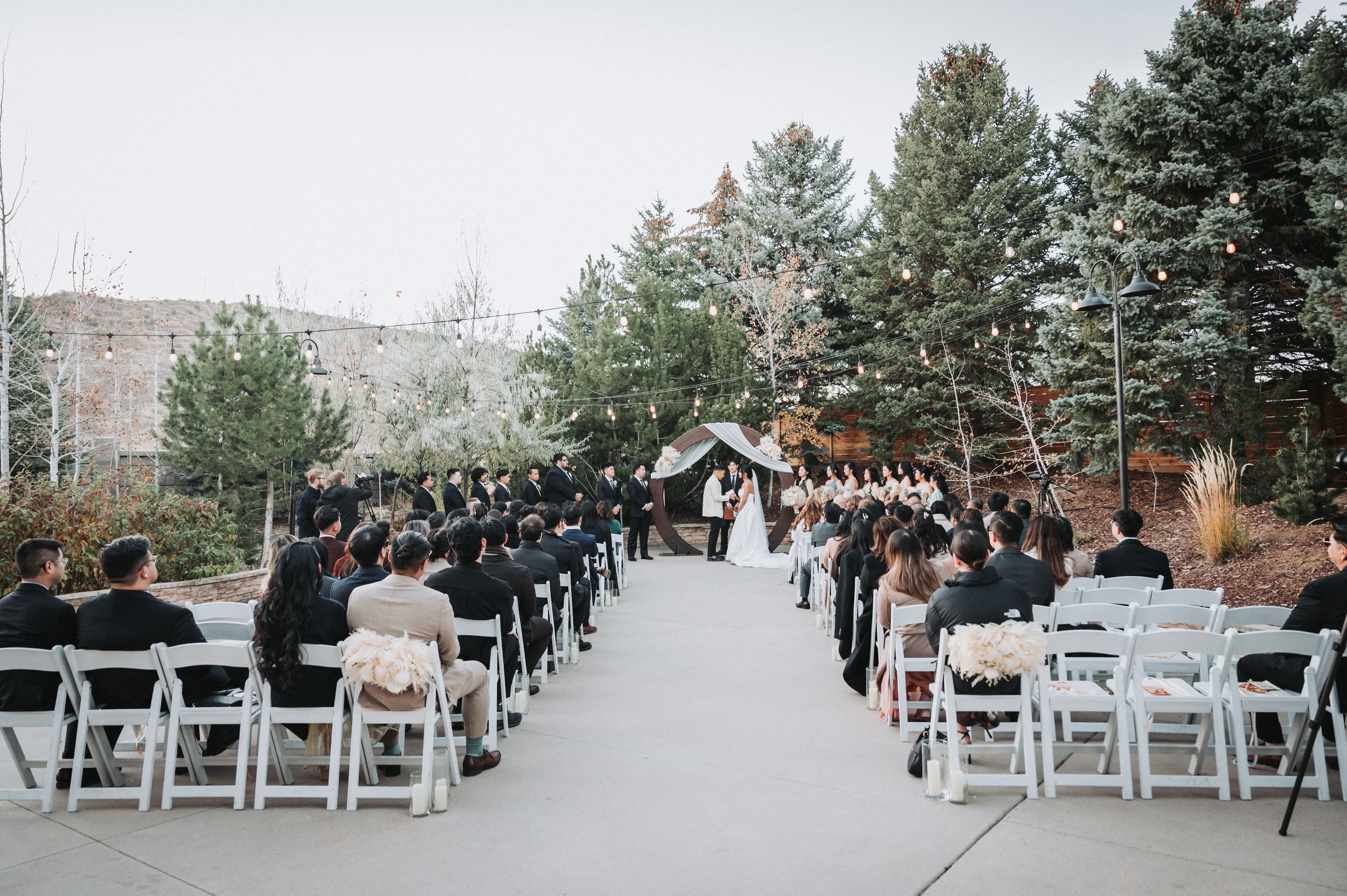
With two cameras, put one on a tripod at the back of the aisle, wide enough to see the whole ceremony, press record before the processional and leave it running. The second person stands near the front, to one side, and films the faces. With one camera, choose the faces and stand close. Our guide to ceremony audio explains why the vows are the hardest sound of the day.
The toasts
Stand close and stay still. Start before the speaker reaches the microphone and stop after they sit down.
The reception and the dance floor
This is where camcorders struggle, because receptions are dim. Turn on a light if you have one, try Low Lux, stay wide, and film from inside the dance floor rather than from the edge of the room.
Afterward
Do not delete anything in the camera, even the clips of the floor. Leave the card in the camera. Every clip is easier to sort on a computer than on a three-inch screen.
Where The Kit fits
Every kit we ship sends the camera ready for this. The Single is $729: one Sony UHD 4K Handycam, three charged batteries, a 256GB card, an LED fill light for the dim rooms and a 28-shot cheat-sheet, then a 3 to 5 minute film cut by our editors, with every clip back. The Double is $989: two cameras, six batteries, two lights and our mic kit of two clip-on microphones. A tall tripod for the back of the aisle is $30. Our guide to getting guests to use the wedding camcorder covers the people side: who holds it, when it moves, and the thirty-second lesson.
Common questions
What settings should I use on a Sony Handycam at a wedding?
Very few need changing. Turn Digital Zoom off so the zoom stays sharp, leave SteadyShot on for handheld filming, try Low Lux in a dim room and compare, turn on Auto Wind NR outdoors, and check the date and time so the clips sort in order. Then spend your effort on habits: one press of the record button, short steady shots, and standing close to whoever is speaking.
How long does a Sony Handycam battery last at a wedding?
Sony rates the NP-FV70A battery that comes with the FDR-AX43A at about 160 minutes of recording, filming 4K at 60Mbps at room temperature. A camcorder passed around for a whole wedding day needs two or three. The Kit sends three per camera, charged.
How much 4K video fits on a 256GB card in a Handycam?
By Sony's own table for the FDR-AX43A, about 8 hours and 10 minutes of 4K at 60Mbps, or about 5 hours at 100Mbps, with the camera's default dual recording on. A wedding day filmed in short clips rarely comes close at 60Mbps.
Why did my camcorder record the floor instead of the ceremony?
Because the record button is a toggle. Sony's guide: press START/STOP to start, press it again to stop. Press it a second time to be sure, and it stops, then starts again later when you think you are stopping it. After pressing, look for REC at the center of the screen before looking up.
Can you plug a microphone into a Sony Handycam?
The FDR-AX43A has a microphone jack and a Multi Interface Shoe. Our mic kit works differently: two clip-on mics send sound to a small receiver on a phone, which records it, so nobody is tied to the camera by a cable. Our editors lay that close sound under the picture.