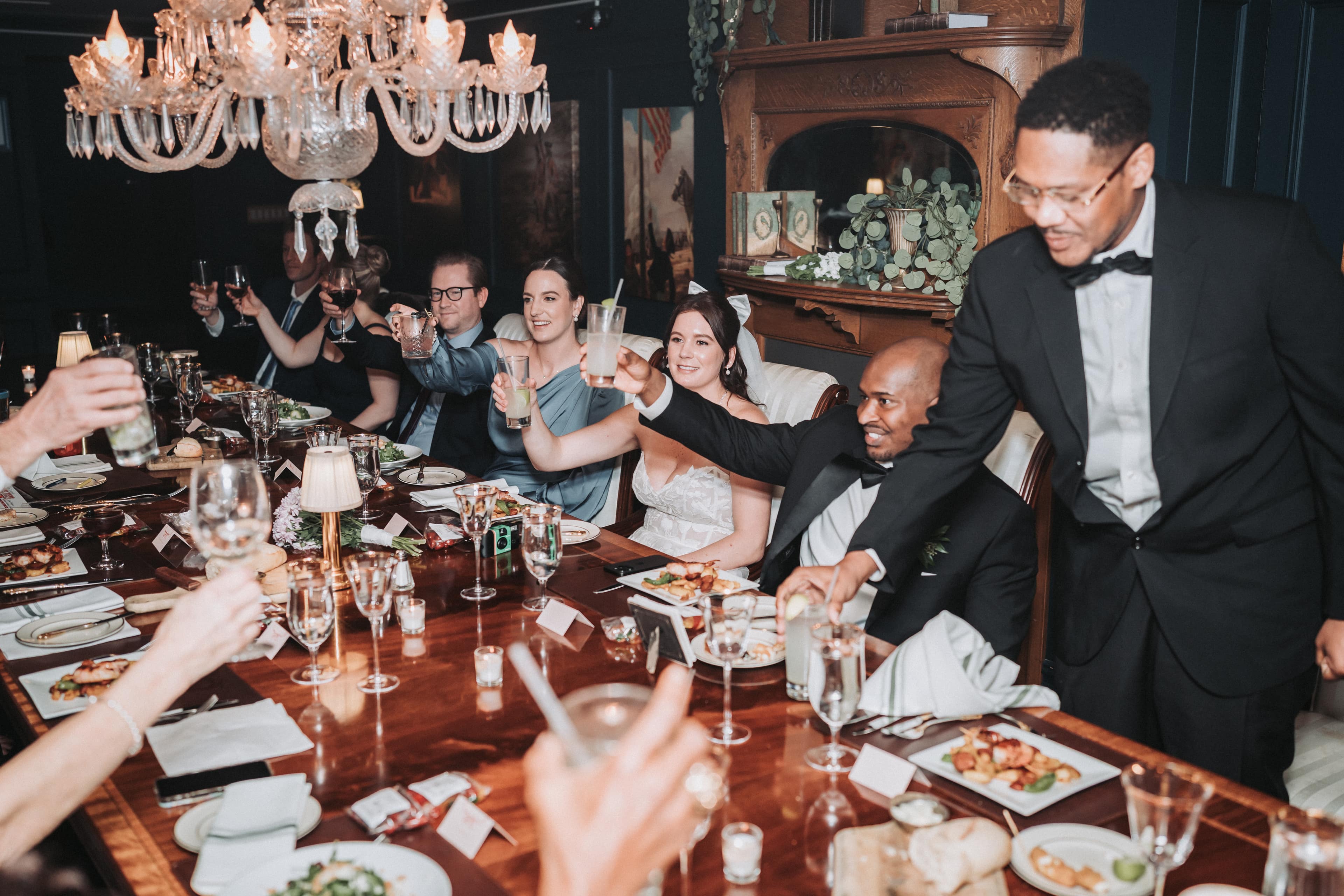
A video guest book is only as good as what your guests say into it, and most guests, left alone with a camera, say "Congratulations, love you guys" and walk away. The kind you choose decides who records and how many; the questions you put beside it decide whether the messages are worth keeping. There are four common kinds: a booth or tablet station, a QR code that opens a recorder on guests' own phones, a telephone that records voices (the audio guest book), and a camera that travels around the party. Each gives back something different.
Our bias, stated up front
We sell two of the four: the Guest Media Collection, a QR gallery that takes photos and 60-second video messages, and The Kit, a camcorder your guests pass around. We do not sell a booth or a recording telephone. Almost every result for this search is written by someone selling one of these, so this guide compares the kinds, not the brands, and names none. Where a booth or a telephone is the better pick, we say so.
The detail most guides miss: the question decides the message
Almost every guide to video guest books is about the equipment. The equipment is the easy part. What makes the messages worth watching again is what guests are asked. A camera with no question gets a greeting. A camera with a printed question gets an answer, and answers are what you will want in ten years.
Put three questions on a card beside it, short enough to read at a glance:
- "When did you first know about these two?"
- "One piece of advice for their first year."
- "What should they never forget about today?"
Then add one line of permission: "Say as much as you like." Without it, people stop talking the moment they run out of a greeting. The same card works for every kind below.
The four kinds, side by side
| Kind | What comes back | Who makes it work |
|---|---|---|
| A booth or tablet station | Short messages, often from groups, framed the same way | Guests walk to it; someone keeps it charged and running |
| A QR code on the tables | Video messages and photos from guests' own phones | Each guest, on their own phone; it reaches people who could not come |
| A recording telephone | Voices only, like voicemails; no faces | Guests pick up the receiver |
| A camera passed around | Moments as they happen, and messages when someone turns it on a guest | One person who keeps it moving |
| A hired crew at cocktail hour | Answered questions, lit and framed, then edited | The crew |
What each kind is good at, and where it falls short
A booth or tablet station
A booth gathers people in one place, frames everyone the same way, and is fun in groups. Its weakness is that guests have to go to it, so it records the people who already like being on camera. The line forms during the cocktail hour and empties after dinner, and it needs power, light on faces and someone checking that it is still recording. If you want many short messages and you have guests who love a photo booth, it is the right choice.
A QR code on the tables
A QR code needs no equipment: every guest already carries a camera. It reaches the people a booth misses, including grandparents who will not queue and relatives who could not travel, because you can send them the link. Its weakness is that it depends on each guest remembering, and the message is recorded wherever they are sitting, often at a loud table. Ours, the Guest Media Collection, prints from a library of card templates; guests scan with their phone's camera, with no app, and record a 60-second message or upload photos into one private gallery. It stays open for uploads for two weeks after the wedding, then sends you everything in original resolution. It is $249 flat. Our guide to collecting photos from wedding guests covers the photo side.
A recording telephone
Guests who would never speak to a camera will talk into a telephone. The voice on its own is intimate, and the idea explains itself: pick up, wait for the tone, talk. Its weakness is plain: there are no faces, so it is an audio guest book, not a video one. If it is the voices you want most, it is the better choice than any camera here. If you want faces too, pair it with a QR code or a camera.
A camera passed around
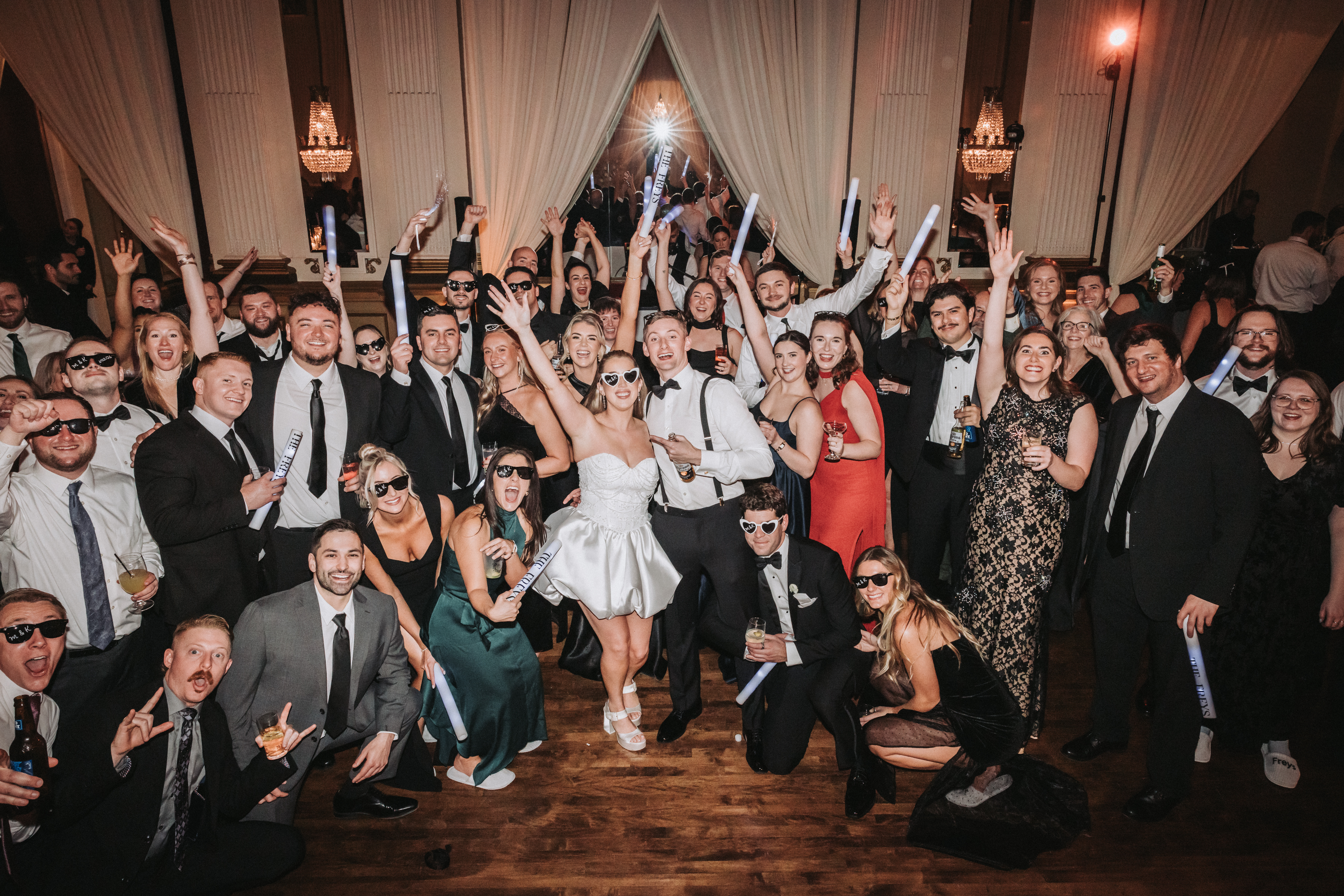
A camera that moves records the day, not only the messages: the toasts, the dance floor, the grandparents at their table. Messages happen on their own when someone hands it to a guest and asks one of the questions on the card. Its weakness is that it needs a person to keep it moving, and hours of guest footage need editing to be watchable. The Kit sends a Sony 4K camcorder with an LED light and includes the edit; it can add the Camp Snap Camera Rental, $99, a retro, screen-free video camera made to be passed around. Our guide to getting guests to use the wedding camcorder covers how to keep a camera moving.
How to set one up so it actually gets used
- Pick the hour. The cocktail hour, when people are standing and waiting, is when messages get recorded. After dinner, the dance floor wins.
- Light the faces. Face the camera toward the light, not with a window or a bright wall behind the guest, or every message is a silhouette.
- Find a quiet corner. Away from the speakers and the bar. A message nobody can hear is a message nobody watches.
- Put the three questions beside it, with the line "Say as much as you like."
- Give one person the job. They check it every half hour, bring the grandparents over and nudge the shy cousins.
- Have it announced once. One mention from the DJ or MC gives everyone permission.
- Plan who watches it all. Fifty short messages are a lot to sit through. Decide before the wedding whether someone will cut them into something you will rewatch.
Which to choose
- A crowd that loves a photo booth: a booth or tablet station.
- Family far away, or you want photos too: a QR code on the tables.
- Camera-shy family whose voices you want: a recording telephone.
- The day itself, not only messages: a camera passed around, with someone to edit it.
They also combine well. A QR code for everyone plus a camera on the move covers the guests who would never step into a booth and the moments that never become a message.
Common questions
What is a video guest book?
A way for wedding guests to leave you recorded messages instead of, or as well as, signing a book. It can be a booth or tablet they step up to, a QR code that opens a recorder on their own phone, a telephone that records their voice, or a camera that travels around the party.
How do you set up a video guest book at a wedding?
Put it where people wait during the cocktail hour, light their faces from the front, keep it away from the speakers, and put three short questions on a card beside it. Give one person the job of checking it and inviting guests over, and have the DJ or MC mention it once.
Is an audio guest book better than a video guest book?
It is different. A recording telephone gets voices from guests who would never talk to a camera, but it gives you no faces. A video guest book shows who is speaking, but camera-shy guests skip it. If you want both, a telephone for voices and a QR code or a camera for faces works well together.
How can guests leave a video message without downloading an app?
With a QR code that opens a recorder in the phone's web browser. Ours, the Guest Media Collection, works that way: guests scan a printed card with their camera app, record a 60-second message or upload photos, and everything lands in one private gallery. It is $249 flat.
Can people who cannot come to the wedding leave a video message?
With a QR code or link guest book, yes: send them the link and they can record from home. Ours stays open for uploads for two weeks after the wedding, so late messages still make it in. A booth, a telephone or a camcorder only records the people in the room.